

367,002
Views
Beginner
Level
71
Comments
Crash Course: Let's Make a Game! (Part 5)
by Jon (Updated on 2015-10-17)
Part 1 (Intro) - Part 2 (Resources) - Part 3 (Actors) - Part 4 (Create a Scene) - Part 5 (Test your Game)
Test Your Game! (Part 5 of 5)
Click the Test Game button in the top toolbar to give your game a try.

You should be able to walk with the left and right arrow keys and jump with “z”.
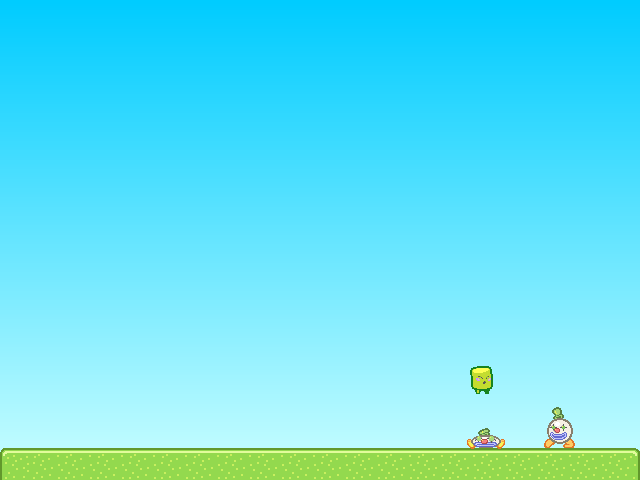
Try pushing the Clown Actors around and jumping on them. If you fall off the screen, the Scene should reload.
Note: You can quickly test your game at any time using the keyboard shortcut Ctrl-Enter (or Command-Enter on Mac).
Congratulations!
You've just created and tested your first game in Stencyl. That's quite an accomplishment already, and we've barely even scratched the surface of Stencyl's capabilities.
Where do I go from here?
There's a whole lot more to Stencyl, and we encourage you to experiment on your own and read through the rest of Stencylpedia to find out how to import your own resources, create your own Behaviors, and enable Stencyl to help you create the games of your dreams.
If you'd like a more in-depth guided tour, we recommend jumping straight into Crash Course 2, where you can create your own Space Invaders-like game.
Troubleshooting
When I fall into the pit, the scene doesn't reload.
As directed in Part 3 at the end of the Customizing Noni section, attach the Die in Pit and Reload Behavior to Noni.
Noni goes through the Clowns
Don't forget to set Clown's Group to Enemies.
I receive a Flash error when running the game. The screen is just white.
Please post a topic on the forums and attach the game to your post. (Use File > Export Game... to do this)
Print Article Edit Article How to Edit an Article71 Comments

@CelestialForge, exactly as you say: I was going to rage quit, and your comment saved the day.
0


Came in to give a salute to Celestial Forge! Hall of fame comment that saved me this rage inducing issue.
0

Another thanks for @CelestialForge. Completely new to this and thought I was going nowhere. Thanks to you, it's working without a hitch!
1


Ran into an error myself. But I found the solution too. I am using the version downloaded from 3/9/2024[4.1.0]. For those who need help, here is the Fix:
Enter Dashboard>>Actor Behaviors>>Jumping.
On the left side column, click into "Updated".
Find the Orange C-Block named "dolater".
On the right-hand side, Find and click <Flow>, And <Time> under that.
Drag the "Do after" block over and replace the "dolater" block. Move all the contents over and copy the parameters ("0.075"). Ignore the "Self" parameter of the "dolater" block
Next:
Enter Dashboard>>Actor Behaviors>>Stompable
On the left side column, click into "Stomped".
Repeat the steps above for the "dolater" C-block here too. Keep in mind the parameter here is "0.2" instead.
I hope this helps someone from rage quitting before they have even begun. Let your idea shine and let nothing stand in your way!
9


"Emma Lumati
When I try testing my game it always shows me error that I should attach my logs what does that mean"
I also have encountered the above issue and I followed the course 100% . Any suggestions would be great
1

When i try testing my game it always shows me error that i should attach my logs what does that mean
3


